
What to Do Instead of Doomscrolling: 12 Replacements That Actually Work
Wondering what to do instead of doomscrolling? Try these 12 easy replacements, from quick resets to evening routines, that break the habit
 Berry Bits
·
November 23, 2026
·
9 min read
What to Do Instead of Doomscrolling: 12 Replacements That Actually Work
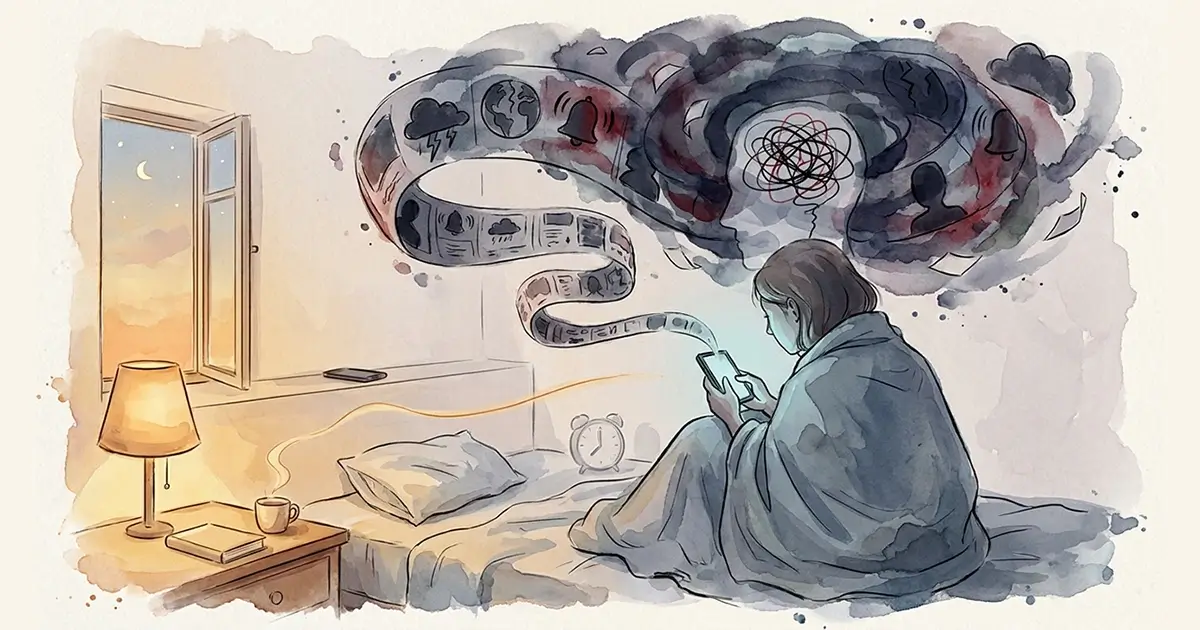
It is 11:40 p.m. You promised yourself one quick look at the headlines. Forty minutes later your thumb is still moving, your shoulders are tight, and you cannot recall a single thing you read.
If that sounds familiar, you have probably tried the obvious fix: just stop. And you probably noticed how fast "just stop" turns into "just one more minute."
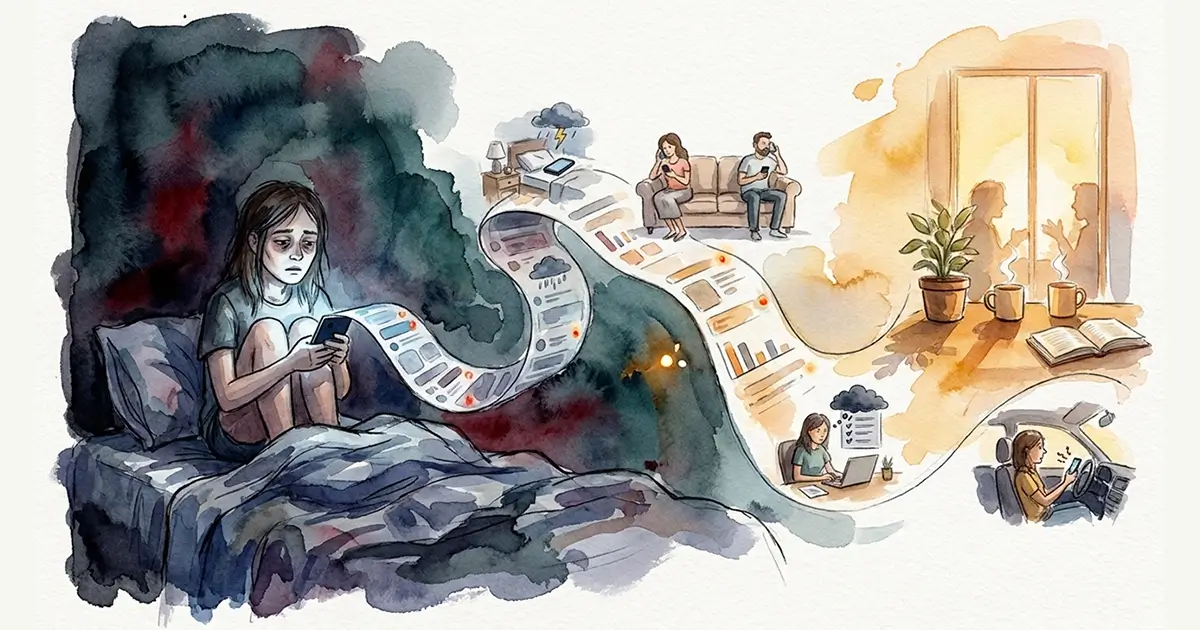
The trouble is that quitting leaves a gap, and your brain hates gaps. It wants relief, stimulation, or reassurance, and your phone delivers all three in seconds. So the better question is what to do instead of doomscrolling when the urge hits.
This guide gives you 12 replacements, sorted by the feeling that pulls you in. What works when you are anxious will not help when you are bored.
Why Replacements Work Better Than Willpower
Doomscrolling is a habit loop. A trigger, such as a feeling or a time of day, sparks a craving. You scroll, your brain logs a small reward, and next time the loop runs on autopilot.
You cannot delete a loop by staring at it. You can only swap the middle. Keep the trigger and the craving, and give your brain a different action that pays a similar reward.
That is why generic lists of things to do instead of doomscrolling often fail. "Read a book" is a lovely idea, but it is a weak substitute when you are spiraling over a news story at 1 a.m. What you want in that moment is calm, not a plot.
The swaps below match the need underneath the scroll.
What Makes a Good Replacement
A useful replacement has three qualities. It is easy: if it takes more than 30 seconds to start, your phone will win. It is available: keep the book, notebook, or deck of cards where your phone usually sits. And it is rewarding: it should give something back, whether that is calm, laughter, or a small sense of progress.
Start small. Aim to replace one scroll session a day, not all of them. If you dread a swap, it is not the right one for you yet, and that is useful information, not failure.
First, Name Your Trigger
For a day or two, notice what you were feeling a second before you reached for your phone. Most triggers fall into four buckets:
- Anxious: you want certainty or reassurance.
- Bored: you want stimulation or a mental break.
- Wired at night: you want to wind down but cannot switch off.
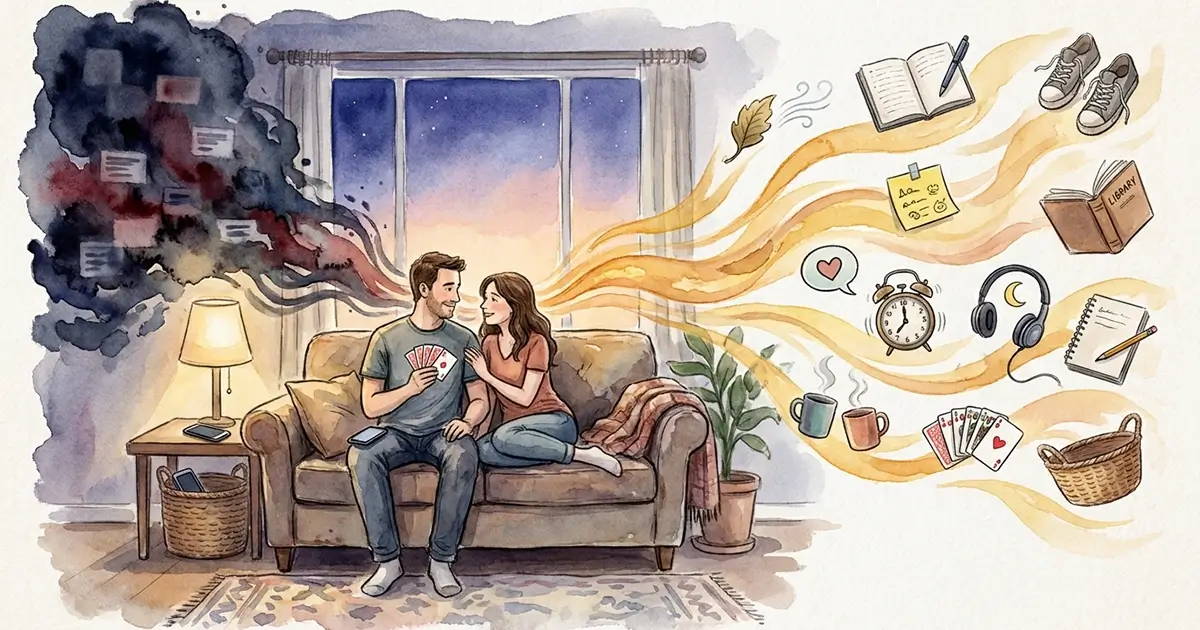
- Together but apart: you are next to someone and scrolling anyway.
Start with the bucket that fits you most often. You do not need all 12 replacements, just two or three you will actually use.
When You Are Anxious: 3 Replacements
These work when the scroll is really a search for certainty.
1. Take a Two-Minute Body Reset
Anxiety lives in the body, so start there. Put the phone face down, plant both feet on the floor, and breathe in for four counts and out for six. The longer exhale nudges your nervous system toward calm. Two minutes is enough to loosen your shoulders.
2. Write the Worry, Then One Action
Doomscrolling often poses as research. You tell yourself one more article will make you feel prepared. Instead, write the worry in a single sentence, then add one thing within your control: calling a relative, donating to a cause, or deciding to check the news once tomorrow morning. Writing turns a vague threat into a task, and tasks are easier to carry.
3. Walk for Five Minutes
Movement burns off the stress chemistry that keeps you hunting for the next alarming headline. Step outside if you can. Daylight and a changing view interrupt the mental loop better than any screen.
When You Are Bored: 3 Replacements, Including Apps
These work when the scroll is really a search for stimulation.
4. Keep a Boredom Menu
Boredom is often a decision problem: your phone is the only option you can think of. Write five small activities on a sticky note, such as stretching, watering plants, sketching, tidying one drawer, or playing one song loudly. When the urge hits, pick from the menu without negotiating.
5. Use Apps to Replace Doomscrolling
Some apps to replace doomscrolling make your phone work for you. Libby lends library ebooks and audiobooks for free, Duolingo turns idle minutes into a language habit, and a puzzle or chess app gives your brain a clean challenge. Pair them with a friction tool like One Sec, which adds a pause before chosen apps open, or your phone's built-in app limits.
6. Send One Message That Matters
Text a friend something specific, such as "Saw this and thought of you," or send a quick voice note. Connection satisfies the same itch scrolling does, and it leaves you feeling better rather than emptier.
When You Cannot Sleep: 3 Replacements
These work when the scroll is really a search for an off switch.
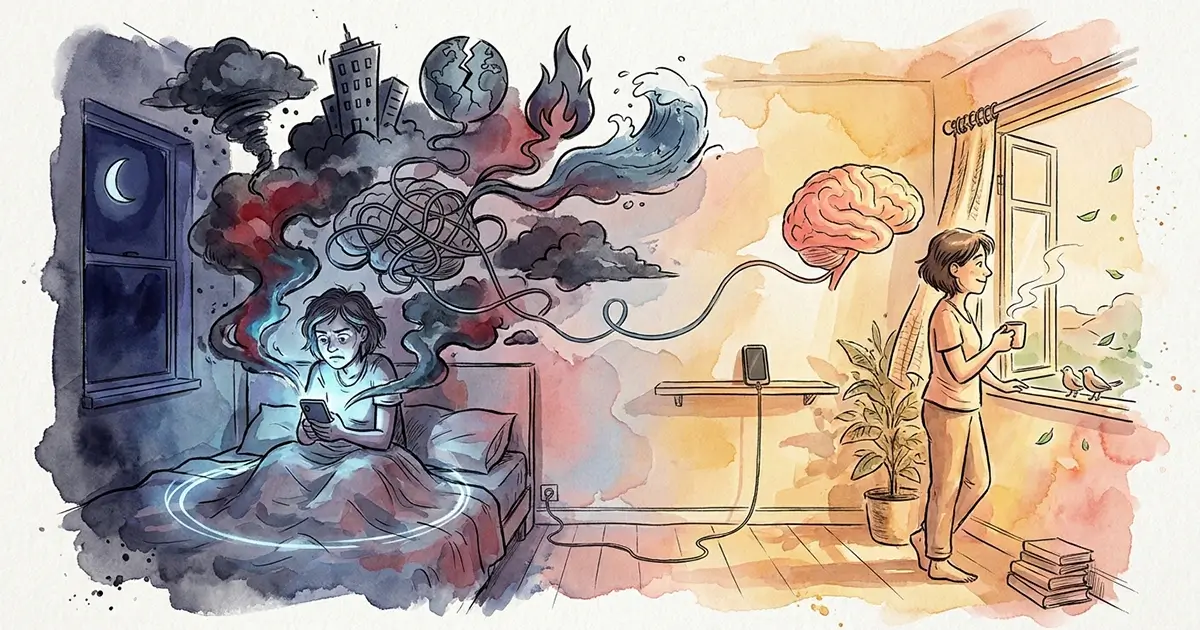
7. Park Your Phone Across the Room
If your phone is within reach, your hand will find it. Charge it in another room or across the bedroom, and use a cheap alarm clock. The small effort of getting up is often enough to break the reflex.
8. Press Play on Something Screenless
An audiobook, a sleep story, or calm music with the screen off gives your mind something to follow without feeding it alarming news. Set a sleep timer so it stops by itself.
9. Do a Five-Minute Brain Dump
Racing thoughts keep many people scrolling. Keep a notebook by the bed, write tomorrow's tasks and tonight's worries, then read a few pages of a paper book under low light. Getting it out of your head and onto paper tells your brain it can stand down.
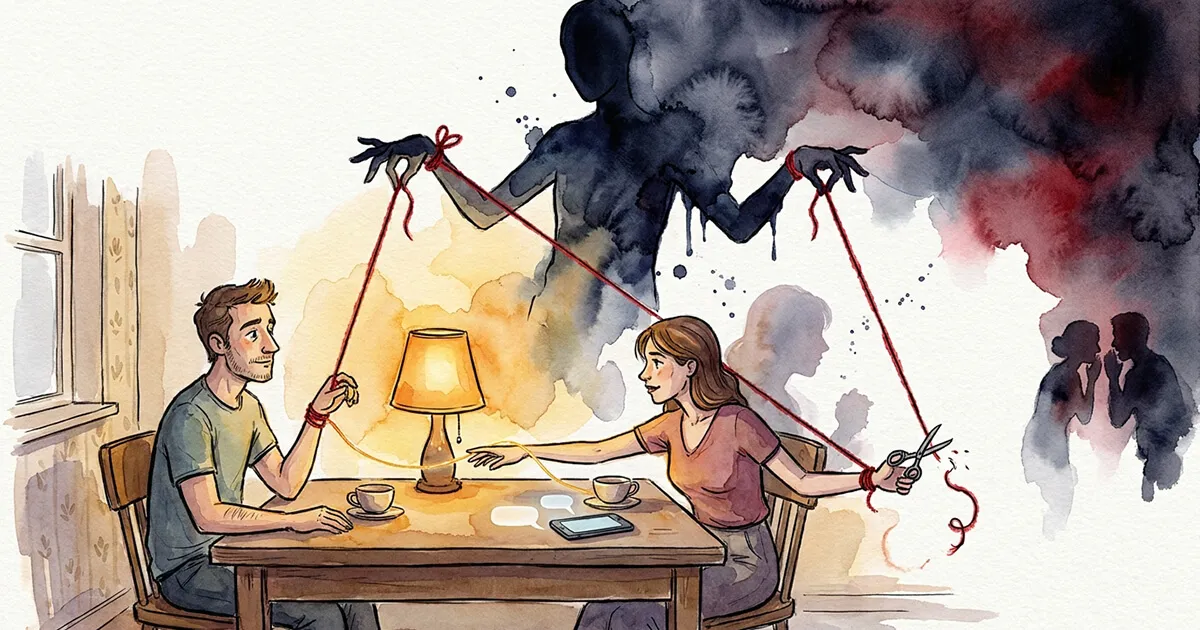
When You Are Scrolling Beside Your Spouse: 3 Replacements
These work when the scroll has quietly replaced time together.
10. Ask One Real Question
Silence next to someone you love can slide into two screens glowing side by side. Ask something specific: "What was the best part of your day?" or "What are you looking forward to this weekend?" One honest answer usually opens a real conversation.
11. Share a Low-Effort Activity
Try a card game, a crossword you solve together, a short walk after dinner, or a show you actually discuss afterward. Simple shared activities give you the closeness that scrolling only pretends to offer.
12. Create a Phone Basket
Agree on a basket where both phones go for the first hour after dinner. Framing it as a shared experiment, rather than a complaint about your partner's habits, keeps it from feeling like criticism.
Four Realistic Examples of Replacements in Action
Example 1: Daniel and the Layoff Headlines

Daniel Tan, 34, lives in Singapore and works in finance. Every evening on the MRT home, he read layoff news until he arrived tense and distracted. He began writing one sentence about the worry, then one action, such as updating his resume on Sunday. Once the worry had a plan, he no longer needed twenty more articles to feel prepared.
Example 2: Megan and the Lunch Break Scroll

Megan Brooks, 29, works at a marketing firm in Austin, Texas. Her lunch breaks vanished into social feeds, and she returned to her desk more tired than before. She kept a boredom menu in her notes app and installed Libby. Now she listens to a chapter of an audiobook on a walk and comes back feeling like she actually took a break.
Example 3: Wei Ling and the Midnight Spiral

Wei Ling Lim, 41, wakes around 2 a.m. most nights and used to reach straight for her phone. She moved her charger to the kitchen, bought a small alarm clock, and left a notebook on her nightstand. When her mind raced, she wrote it down and played a sleep story. Within a few weeks, the 2 a.m. scroll faded.
Example 4: Jake and Olivia on the Couch

Jake and Olivia Carter, married six years and living in Denver, noticed their evenings had become two people lit by two screens. They put both phones in a basket after dinner and started a nightly card game. Jake admitted the first week felt awkward. By week three, they were laughing more and had stopped arguing about who "never talks anymore."
How Do I Stop Scrolling When the Urge Hits Anyway?
Even with a plan, urges show up. Three small tools help:
- Delay ten minutes. Tell yourself you can scroll once a timer ends. Many urges fade before it does.
- Add friction. Log out of news apps, move social apps off your home screen, or switch the display to grayscale.
- Set a news window. Check headlines once or twice a day at a set time, instead of whenever anxiety strikes.
These tools support your stop scrolling habit without demanding perfection.
Frequently Asked Questions
What is the best thing to do instead of doomscrolling at night?
Screenless audio, such as an audiobook or sleep story, plus a quick brain dump on paper. Together they quiet racing thoughts without feeding them new alarming ones.
How long does it take to break the habit?
There is no fixed timeline. Habit research suggests anywhere from a few weeks to several months, depending on the person and the routine. Consistency matters more than speed.
Are there apps to replace doomscrolling?
Yes. Libby for free library books, Duolingo for short language lessons, and puzzle apps are good options. Friction apps like One Sec can also add a pause before you open social media.
Is it bad to stay informed about the news?
No. The difference is intention. Checking headlines at a set time and then stopping is staying informed. Scrolling endlessly while feeling worse is doomscrolling.
What if my spouse and I both scroll too much?
Make it a shared experiment, not an accusation. Try a phone basket for one hour after dinner and pair it with a simple activity, like cards or a walk.
Final Thoughts
Doomscrolling rarely happens because you are weak. It happens because a feeling needs somewhere to go, and your phone is always the nearest exit.
The fix is not a heroic act of self-control. It is choosing a better exit for each feeling: a slow exhale when you are anxious, a boredom menu when you are restless, a screenless story when you cannot sleep, a simple question when your spouse is right beside you.
Pick one trigger and one replacement this week. Small, repeatable swaps beat a dramatic digital detox you abandon by Thursday.
Which of these 12 replacements are you going to try first? Share your thoughts and your biggest scroll trigger in the comments below.
Comments (0)
No comments yet. Be the first to share your thoughts!
Leave a comment
Your comment will appear after it's reviewed. Your email is never shown publicly.